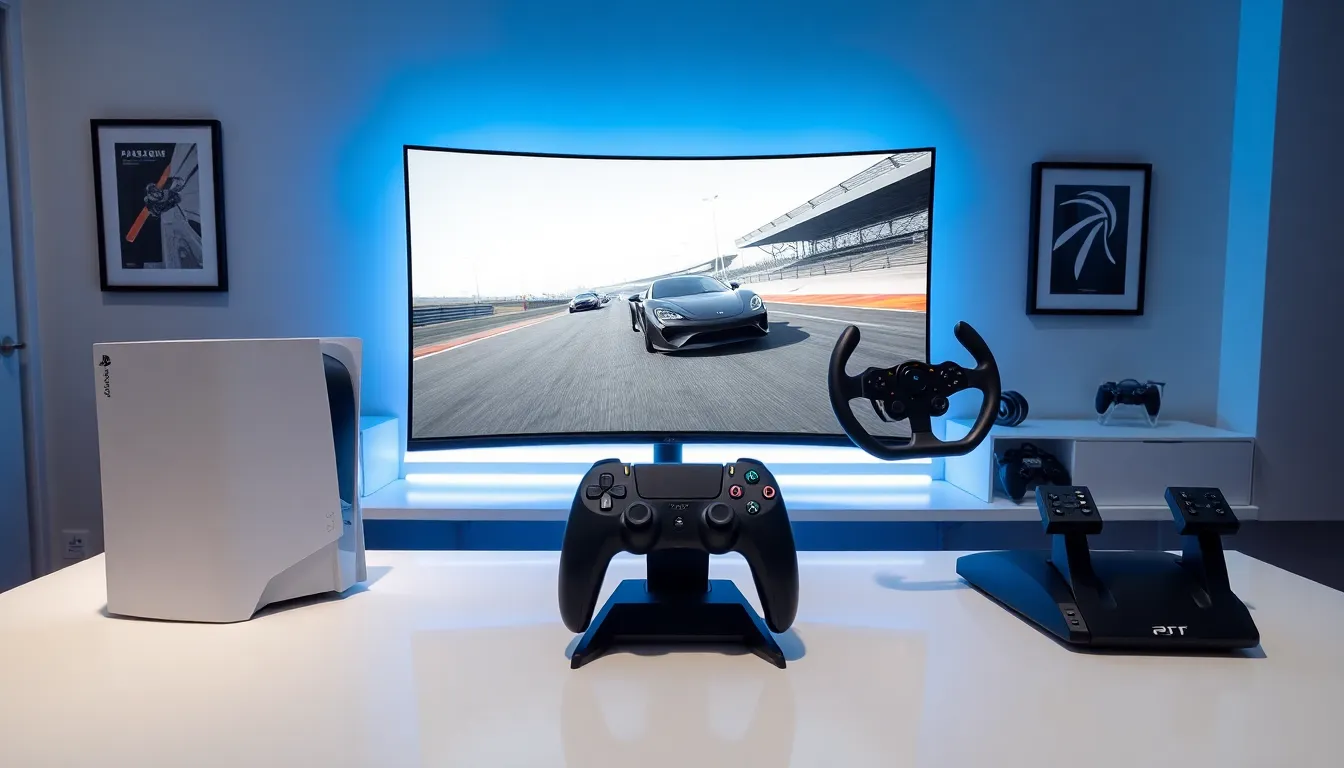

Racing games tips can transform an average player into a podium finisher. Whether someone plays arcade racers or simulation titles, the fundamentals remain consistent. Speed matters, but control wins races. Many players focus only on pushing the throttle, yet the fastest drivers understand braking points, racing lines, and car setup. This guide covers essential techniques that work across most racing games. From controller settings to track knowledge, these strategies help players shave seconds off lap times and compete at higher levels.
Table of Contents
ToggleKey Takeaways
- Smooth braking and throttle control are essential racing games tips that separate fast drivers from slow ones.
- Master the racing line (outside-inside-outside) to maintain higher speeds through corners and shave seconds off lap times.
- Customize your controller or wheel settings—adjusting sensitivity, dead zones, and force feedback can dramatically improve performance.
- Practice consistently in short daily sessions rather than occasional long marathons to build muscle memory faster.
- Start with driver assists enabled, then gradually disable them one at a time to develop advanced skills without frustration.
- Study replays and top players’ ghost laps to identify where you’re losing time and refine your technique.
Master the Basics of Braking and Acceleration
Braking separates fast drivers from slow ones. Most beginners brake too late and too hard, which causes the car to lose traction. The key is to brake early and smoothly before entering a corner. This approach keeps weight balanced and maintains grip.
Acceleration requires similar finesse. Stomping the throttle out of corners causes wheelspin and wasted time. Players should apply throttle gradually as the car straightens. This technique, called throttle modulation, prevents the rear from sliding and maximizes exit speed.
Trail braking is an advanced racing games tip worth learning. This method involves continuing light braking into the corner entry. It shifts weight to the front tires, which improves turn-in response. Once the car rotates, the driver releases the brake and begins accelerating.
Practice these inputs in time trial mode. Pay attention to how the car responds to different braking pressures. A gentle squeeze works better than a sudden stab. The same applies to the gas pedal. Smooth inputs equal faster lap times.
Learn the Racing Line for Faster Lap Times
The racing line is the fastest path around a track. It maximizes the radius through corners, which allows higher speeds. Understanding this concept is one of the most valuable racing games tips for any player.
The basic principle is simple: outside-inside-outside. A driver approaches a corner from the outside edge, turns in toward the apex (the innermost point), then lets the car drift back to the outside on exit. This wider arc reduces steering angle and maintains momentum.
Not all corners are equal. Hairpins require late apexes to prioritize exit speed. Fast sweepers might need early turn-in to carry speed through. Chicanes often require compromise lines that sacrifice one corner for the next.
Many racing games include a racing line assist that shows the ideal path. New players should use this feature to learn track layouts. The line typically changes color to indicate braking zones, green means go, red means brake. After several laps, try turning off the assist and relying on visual references like curbs, signs, and track markings.
Connecting corners matters too. Sometimes the fastest approach through a section means taking a less-than-perfect line through one corner to set up better for the next. Think ahead and plan the entire sequence.
Optimize Your Controller or Wheel Settings
Settings can make or break performance. Default configurations rarely suit everyone, so players should experiment with sensitivity, dead zones, and linearity.
Controller users should adjust steering sensitivity first. High sensitivity makes the car twitchy. Low sensitivity feels sluggish. Most players find a middle setting works best. Dead zones determine how much stick movement is needed before input registers. Smaller dead zones offer more precision but require steady thumbs.
Wheel users face different challenges. Force feedback strength affects how much information the wheel communicates. Too strong and arms get tired. Too weak and players miss important feedback about grip levels. Rotation settings should match the in-game car, most road cars use 900 degrees while formula cars use around 360.
These racing games tips extend to button mapping as well. Some players prefer manual shifting, which offers more control but demands more attention. Others stick with automatic to focus on driving. Neither choice is wrong, pick what feels comfortable.
Spend time in free practice adjusting these settings. Make one change at a time and complete several laps before judging the result. Small tweaks often yield noticeable improvements.
Practice Consistently and Study Track Layouts
Consistent practice beats occasional long sessions. Thirty minutes daily improves muscle memory faster than three-hour weekend marathons. The brain needs time to process and retain learned skills.
Track knowledge is crucial for fast lap times. Each circuit has unique braking points, surface changes, and tricky sections. Players should focus on one track until they can complete laps without major mistakes. Then move to the next.
Watching replays helps identify problem areas. Most racing games include replay functions that show driving from multiple angles. Look for moments where time is lost, wide exits, early braking, or rough steering inputs. These racing games tips become clear when viewed from outside the cockpit.
Studying real-world racing provides additional insight. Professional drivers explain their techniques in videos and interviews. Their approach to specific corners often translates directly to games, especially simulation titles.
Hotlap leaderboards show what’s possible. Download ghost laps from top players and follow their lines. Notice where they brake, how they position the car, and when they apply throttle. This comparison reveals gaps in technique that practice can close.
Use Assists Wisely as You Progress
Racing games offer various driver assists: ABS, traction control, stability control, and steering assist. These features help beginners stay on track while learning fundamentals.
New players should start with assists enabled. Fighting the car distracts from learning racing lines and braking points. As comfort grows, gradually disable assists one at a time.
Traction control is often the first to go. Without it, players learn proper throttle control and feel the rear tires breaking loose. This feedback is essential for understanding car behavior.
ABS prevents wheel lockup during braking. Turning it off requires threshold braking, applying maximum pressure without locking tires. It’s harder but allows shorter stopping distances when mastered.
Steering assist should go early in the learning process. It fights against the driver and prevents proper line learning. Most experienced players find it counterproductive.
These racing games tips about assists apply to most titles. Simulation games reward assist-free driving with faster times. Arcade racers may not penalize assists as heavily, so the choice becomes personal preference.
The goal is gradual progression. Removing all assists immediately leads to frustration. Taking them away one by one builds skills systematically and keeps the game enjoyable.